
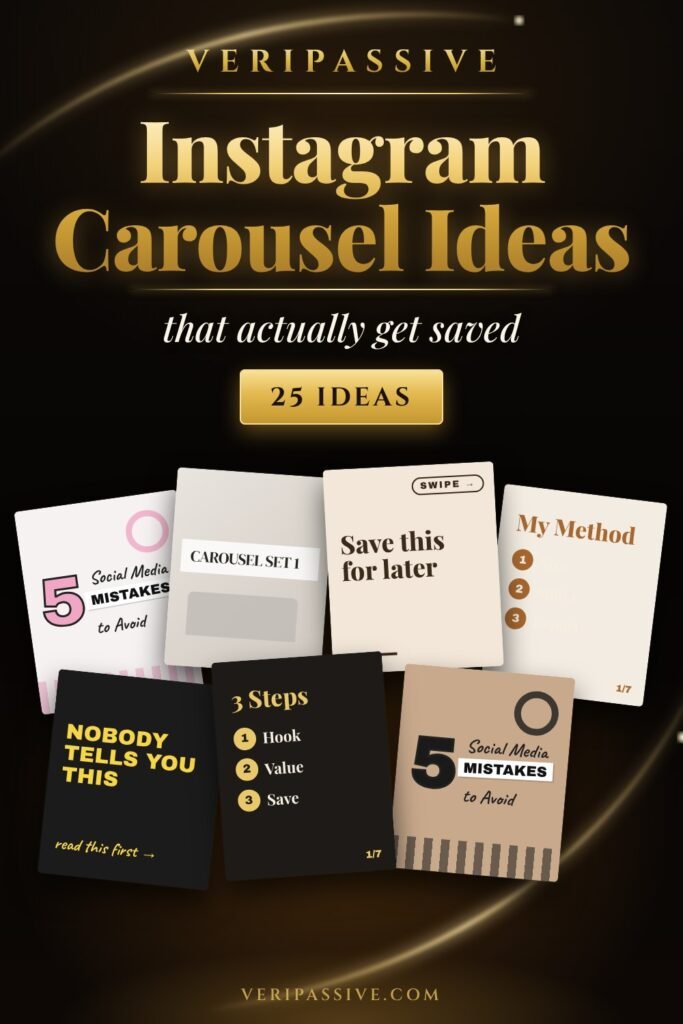
25 Instagram Carousel Ideas That Actually Get Saved
If you’ve ever opened Instagram, tapped the plus button and then just stared at your screen, this one is for you.
Coming up with carousel ideas is honestly harder than making them. Especially as a faceless account, when you can’t just post a selfie and call it a day.
So I’ve put together the list I wish I’d had when I started: 25 Instagram carousel ideas that actually get saved. Every single one works without showing your face.
Why Carousels Work So Well for Small and Faceless Accounts
Carousels keep people on your post for longer, because they are swiping. And when Instagram shows your carousel again in someone's feed, it can show a different slide, which gives you a second chance to grab their attention.
But the real magic is saves. People save carousels they want to come back to. Saves are one of the clearest signs to Instagram that your content is useful.
So the goal with every idea below is simple: make something people will want to save.
Teaching Carousel Ideas
1. Mistakes to avoid
“5 mistakes I made when I started a blog.” People love learning from someone else getting it wrong first.
2. Step by step tutorials
Break one process into one step per slide. “How I schedule a week of pins in 30 minutes.”
3. Myth vs truth
Slide one states the myth, slide two busts it. Repeat. Easy to make, very saveable.
4. Before and after
Your feed, your desk, your income report, your blog traffic. Show where you started and where you are now.
5. A checklist
“Everything you need before you launch a digital product.” Checklists get saved like crazy.
6. Tools I actually use
One tool per slide, with one honest line about why you use it. Great for affiliate links in your bio.
7. Your story in slides
“How I went from 0 to my first sale.” Faceless doesn't mean storyless. Tell it with text.
8. Things I wish I knew
“Things I wish I knew before starting a faceless account.” Instantly relatable.
9. This or that
Two options on each slide. “Blogging or YouTube?” Ask people to comment their answer.
10. A mini glossary
Explain jargon in your niche, one word per slide. PLR, affiliate link, SEO, CTR.
11. A quote series
Five quotes on one theme, one per slide. Perfect for quote pages and calm, aesthetic feeds.
12. A weekly or monthly recap
What you worked on, what worked, what flopped. Honest updates build trust fast.
More Carousel Post Ideas for Engagement
13. Unpopular opinions
“Unpopular opinion: you don't need to post every day.” Expect comments.
14. Frequently asked questions
Take the questions people DM you and answer one per slide.
15. A list of ideas (very meta)
“10 content ideas for small accounts.” Ideas posts are some of the most saved posts on Instagram.
16. A tiny case study
One result, broken down. “How one Pinterest pin brought me 300 clicks.”
17. A day in the life (faceless)
Use photos of your desk, coffee, laptop and notes instead of your face.
18. Do this, not that
Show the wrong way and the right way side by side. Very visual, very clear.
19. A resource roundup
Free courses, free tools, free templates. People love free and they love saving lists of free things.
20. A seamless panorama
One image that flows across every slide. Perfect for a launch or a special post.
21. Scrapbook style tips
Stickers, torn paper and handwritten fonts. It feels personal even without your face.
22. A behind the scenes look
How you plan content, your Notion setup, your Canva folders. People are nosy (me too).
23. Numbers and stats
A surprising stat on each slide, with what it means for your audience.
24. A gentle reminder series
Soft, encouraging words for your audience. Brilliant for mum and wellbeing niches.
25. A save this for later guide
Literally tell people it is worth saving. A mini guide they will want to come back to.
How to Make Any of These Ideas Work
An idea is only as good as the first slide. Here’s my little formula for turning any of the ideas above into a carousel people actually swipe:
- Make slide one a promise. Tell them exactly what they will get if they swipe.
- One point per slide. If you need a paragraph, it is probably two slides.
- Keep the look consistent. Same fonts, same colours, same layout on every slide.
- End with an action. “Save this for later” or “Send this to a friend who needs it.”
If you are not sure how to actually build them, I’ve written a full beginner guide on how to make an Instagram carousel in Canva, including sizes and how to do seamless carousels.
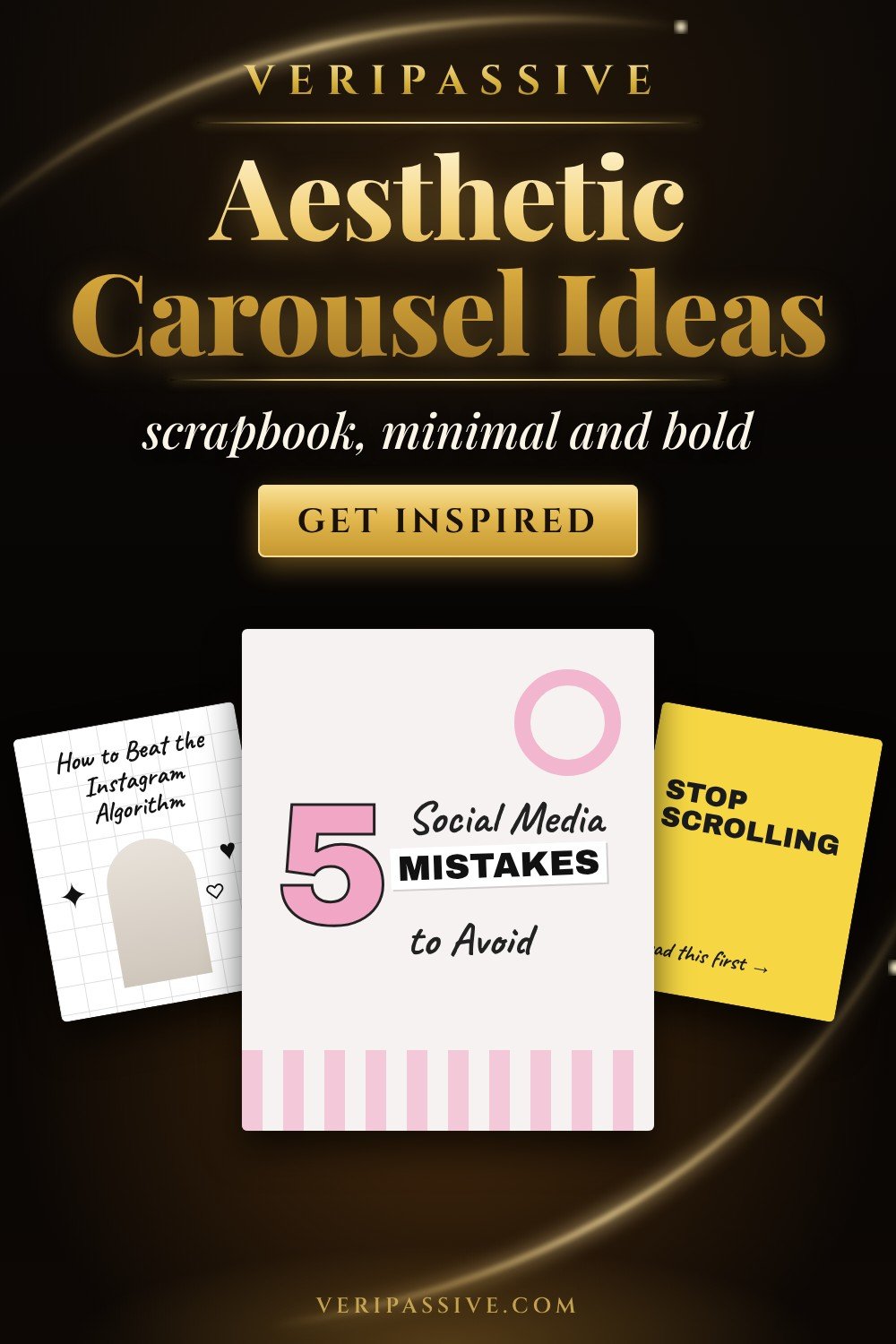
Aesthetic Carousel Ideas (If You Want Your Feed to Look Good)
Ideas are one thing, but the look matters too, especially if you want a feed that feels calm and put together. A few styles that are really popular right now:
- Scrapbook carousels: stickers, torn paper, handwritten fonts, coffee stains. Fun and personal.
- Minimalist carousels: neutral colours, lots of white space, one strong serif font.
- Bold carousels: bright backgrounds, chunky fonts, big numbers. Very scroll stopping.
- Dark and luxe: black backgrounds with gold or cream text. Feels premium.
Pick one style and stick with it for a while. Consistency is what makes people recognise your posts before they even see your name.
From my own shop
If you want these styles ready to go, my own carousel bundle has scrapbook, aesthetic, minimalist and animated designs in it. It includes PLR rights, so you can use them for your content or resell them as your own product:
DFY Viral Carousels Bundle with PLR ($25): 1,413 editable carousel designs across 17 Canva collections, plus 160 covers and a 500+ sticker vault.
FAQ: Instagram Carousel Ideas
What should I post in a carousel?
Anything that is easier to understand in steps: tutorials, lists, mistakes, before and afters, stories and checklists. If people would want to save it, it belongs in a carousel.
How often should I post carousels?
Two or three a week is plenty for most small accounts. Consistency matters much more than volume.
Do carousels get more reach than Reels?
Reels usually reach more new people, while carousels are brilliant for saves, shares and building trust with the followers you already have. A mix of both works well.
Can I reuse the same carousel idea?
Yes, and you should. If a “mistakes to avoid” carousel does well, make another one on a different topic. Your audience clearly likes that format.
Pick One and Post It
Don’t try to do all 25 this week. Pick the one that made you think “oh, I could do that” and make it today.
Then come back, pick another, and keep going. That’s honestly how every account you admire got started.
Shaz xx